
Less guesswork. More time out there.
Buying guides and practical tips for your camper, trailer and everyday drive.
New to RV leveling?
Start here.
Understand the display, the setup and what you adjust yourself.
Read guide →
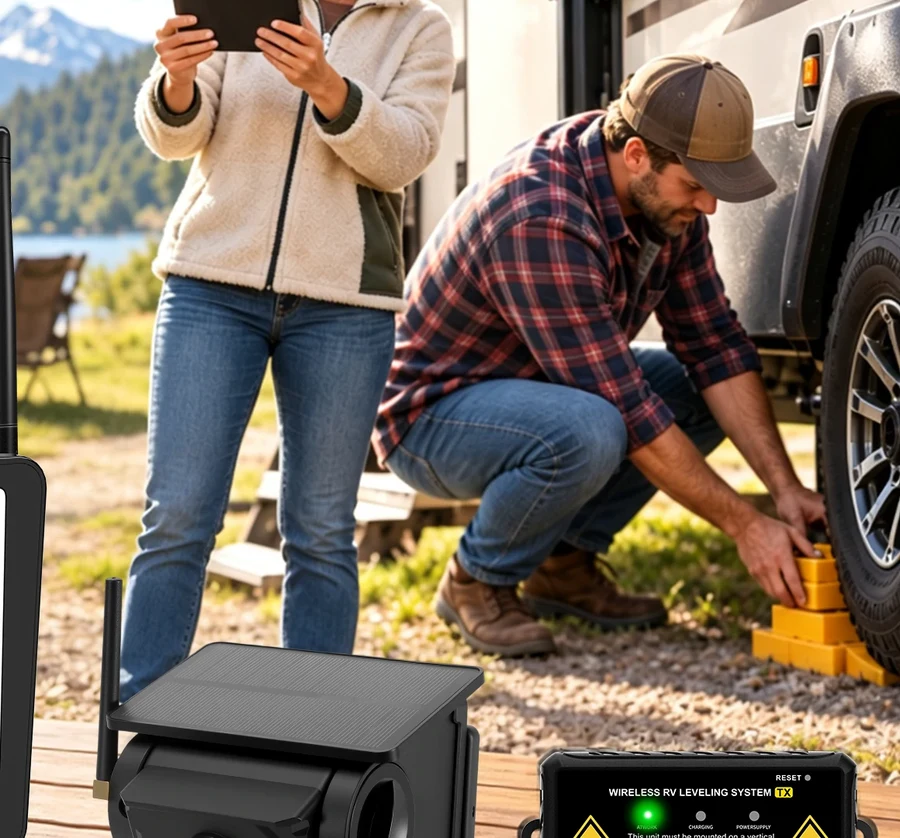
Park on a suitable surface and check the trailer manufacturer’s setup instructions. Establish a level reference using your product manual. The display reports the tilt so you can decide what to adjust.
Explore related resources →Start with a useful guide.
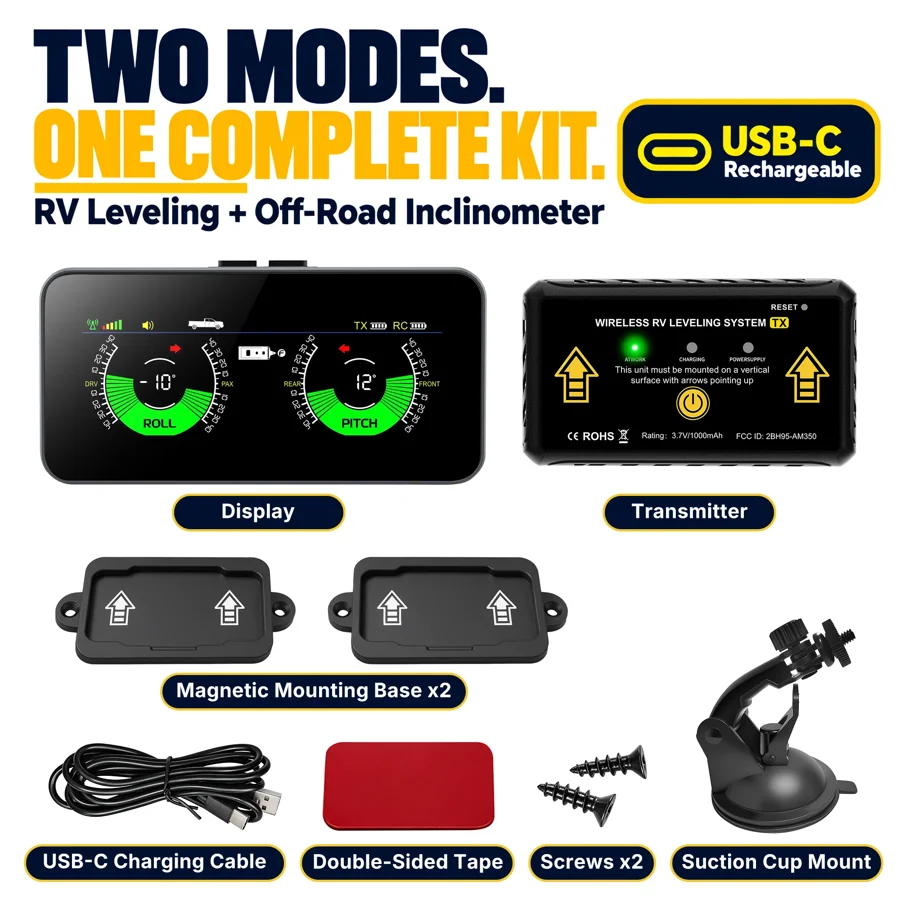
Phone App or Dedicated Display?
Read guide →
Decide where you want to see the readings. An app uses a phone you already carry. A dedicated display gives you a separate screen. Compare the controls and included hardware for each model.
Explore related resources →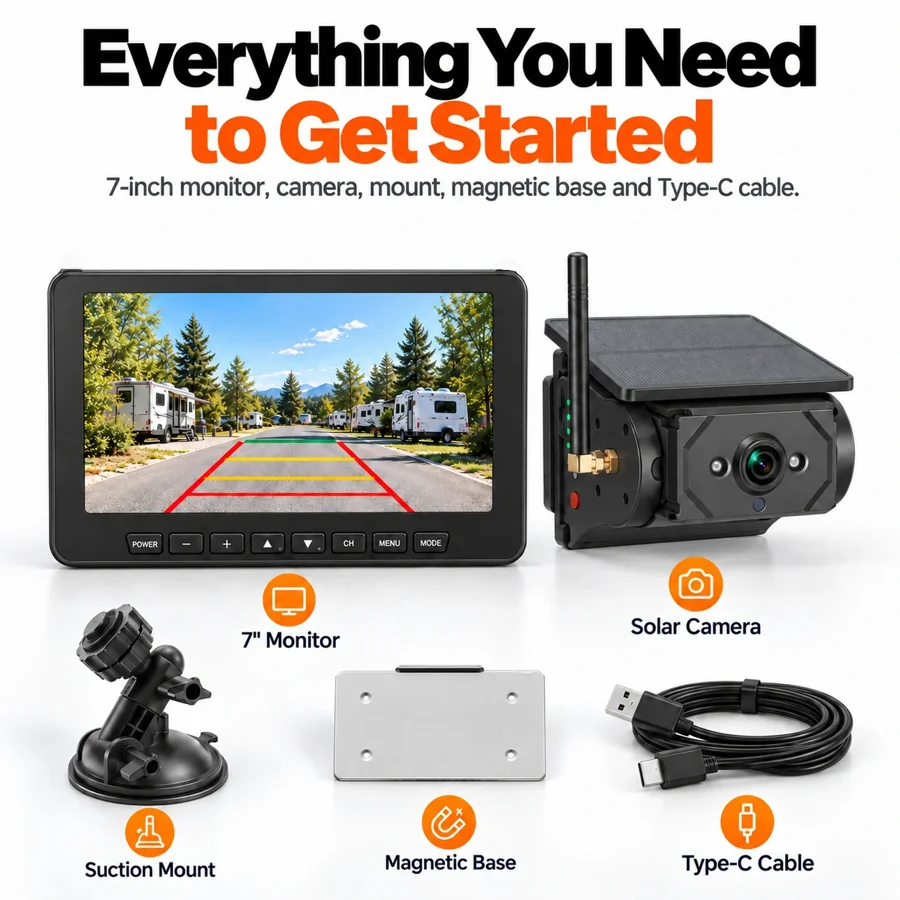
Choosing a Rear-View Camera for Your Trailer
Read guide →
Before buying, check the mounting location, power source and where you want the monitor. If the trailer is prewired, verify its bracket and connector against the kit.
Explore related resources →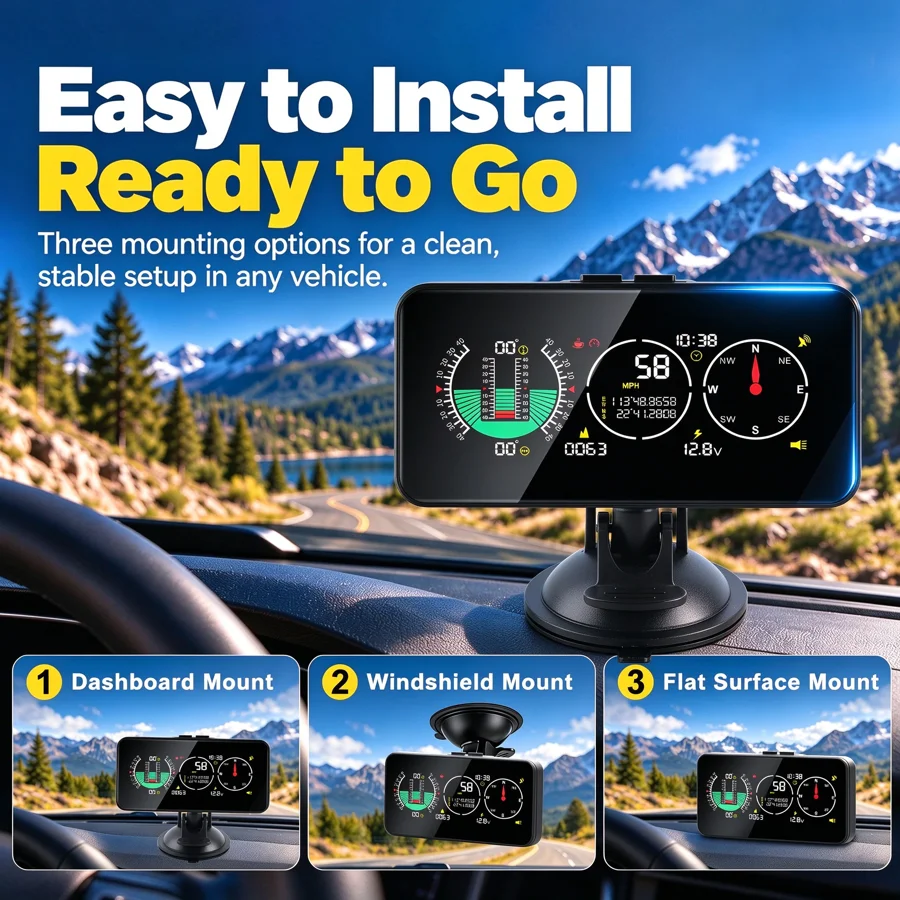
GPS Speedometer or Navigation Device?
Read guide →
A GPS speed display shows estimated speed over the ground. A navigation device adds route guidance. Check the model specifications for the information you want.
Explore related resources →Explore by topic.
 RV Setup →
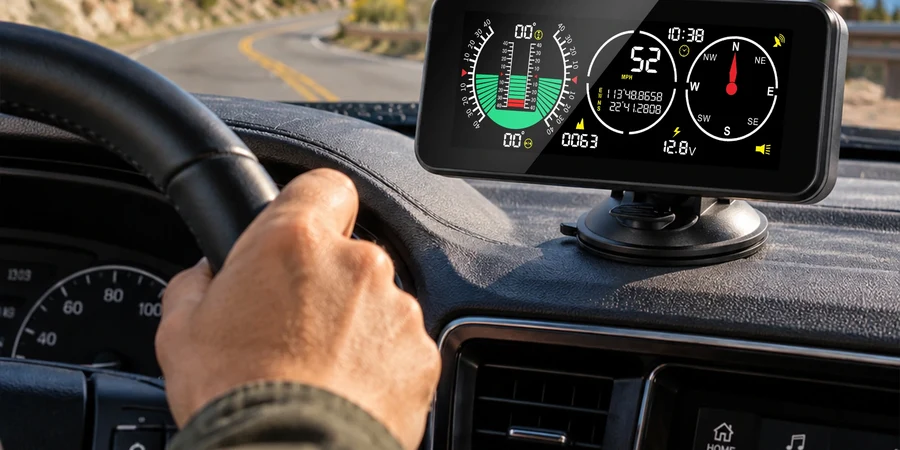 Driving Information →
 Installation & Care →
More practical reads.
No matching guides.
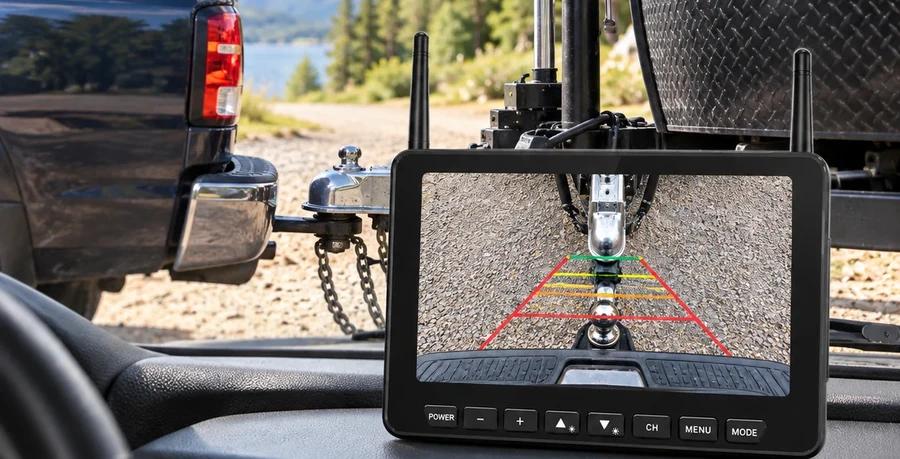
What to Check Before Mounting a Camera
Read guide →
Check the viewing angle, bracket, power and clearance. Confirm the model-specific mounting instructions before drilling.
Explore related resources →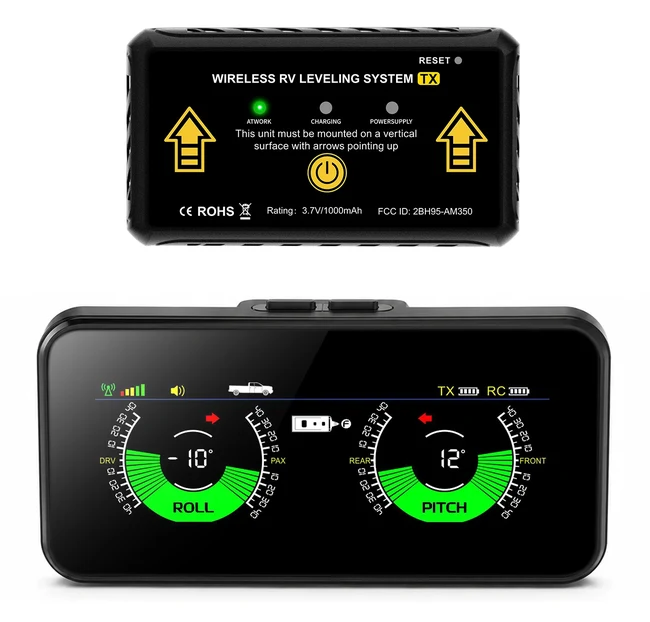
Pitch and Roll: What Your Display Shows
Read guide →
Pitch is front-to-back tilt. Roll is side-to-side tilt. Use your model instructions to set the reference and follow your trailer manual when making adjustments.
Explore related resources →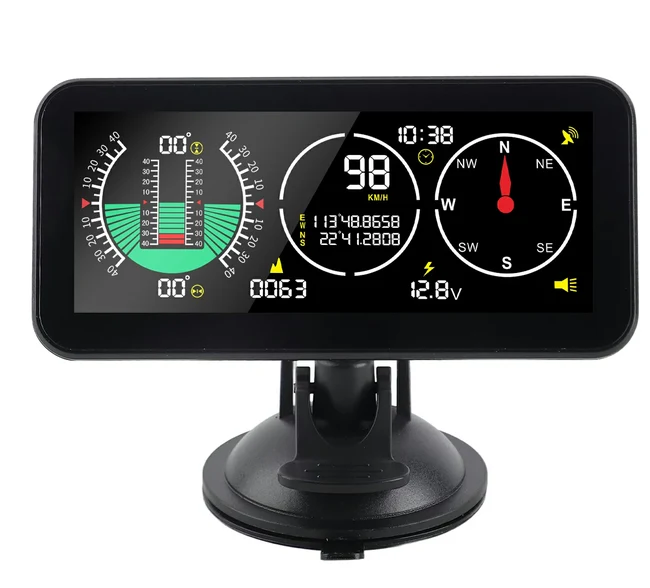
MPH or km/h: Find Your Display Settings
Read guide →
Use the manual for your exact model to find the units menu and confirm the selected units on the screen.
Explore related resources →What Comes in an RV Leveling Kit?
Read guide →
Review the product listing for the sensors, display, brackets and power accessories included with the exact kit.
Explore related resources →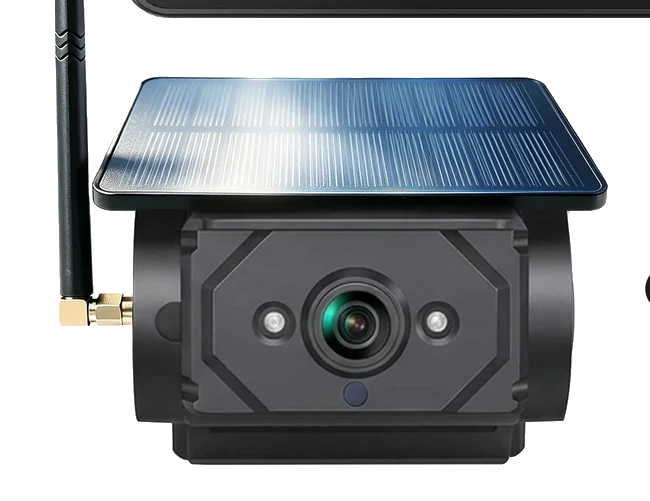
Solar-Assisted Power: Questions to Ask
Read guide →
Check how the camera is charged, what happens when sunlight is limited and what backup charging the model supports.
Explore related resources →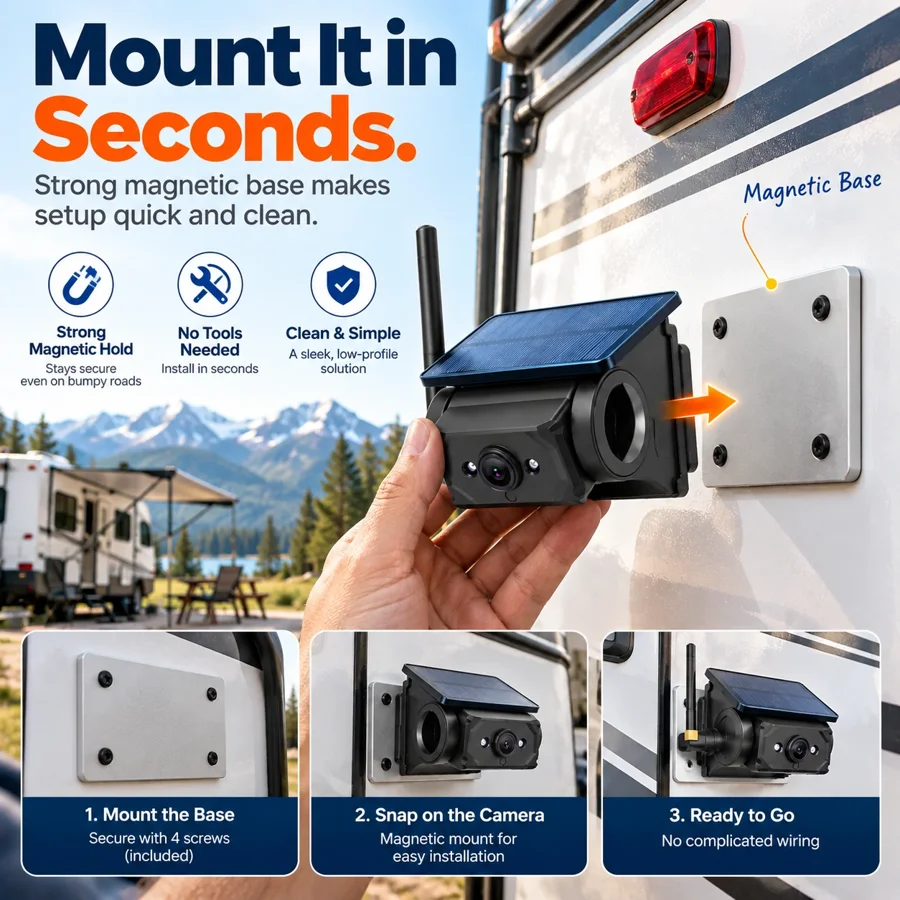
Find the Right Manual for Your Model
Read guide →
Check the model label on the unit or its packaging, then match it to the manual and kit revision listed in Support.
Explore related resources →AM350PRO →M60 →